Guides · Your week
Make a post
Anything no job drafts, on the club’s own cards.
- 01
Tap Make a post and pick what it is: an announcement, an event, a welcome, a sponsor thank you, a milestone.
- 02
Type the headline and the details. With a photograph it is a photo card; without one, a card in the club’s colours.
- 03
It joins the Queue like everything else.
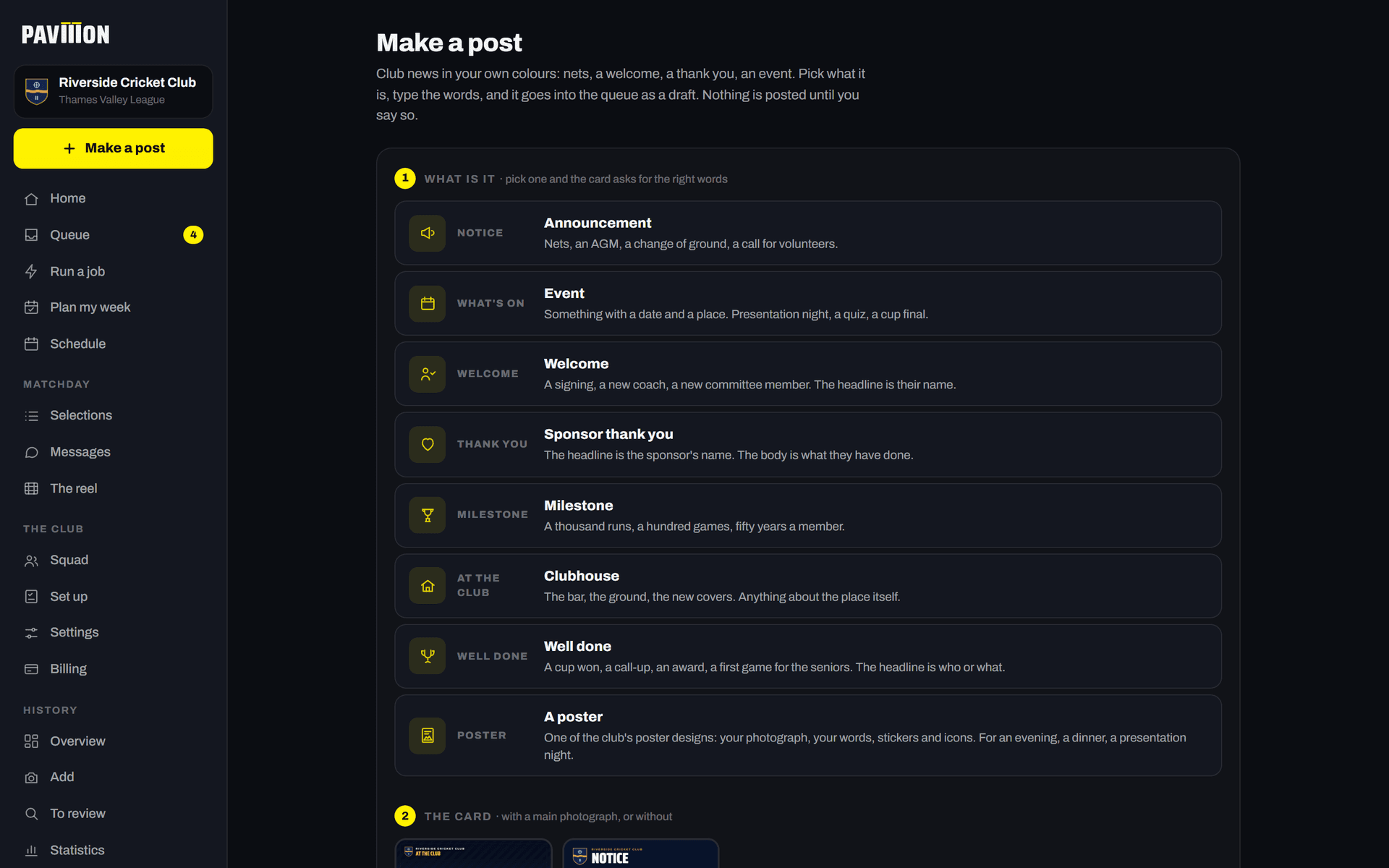
Riverside, our demonstration club.
Stuck? Email pavilion@promptlymade.co.uk.